How to use Google Maps with more than 10 stops
Last reviewed: October 31, 2026
Google Maps is the go-to navigation app for many drivers. For routes with lots of addresses, though, it quickly hits a fixed limit. With one extra step you can still drive any route with Google Maps.
Try it now: free up to 25 stops, no sign-up →
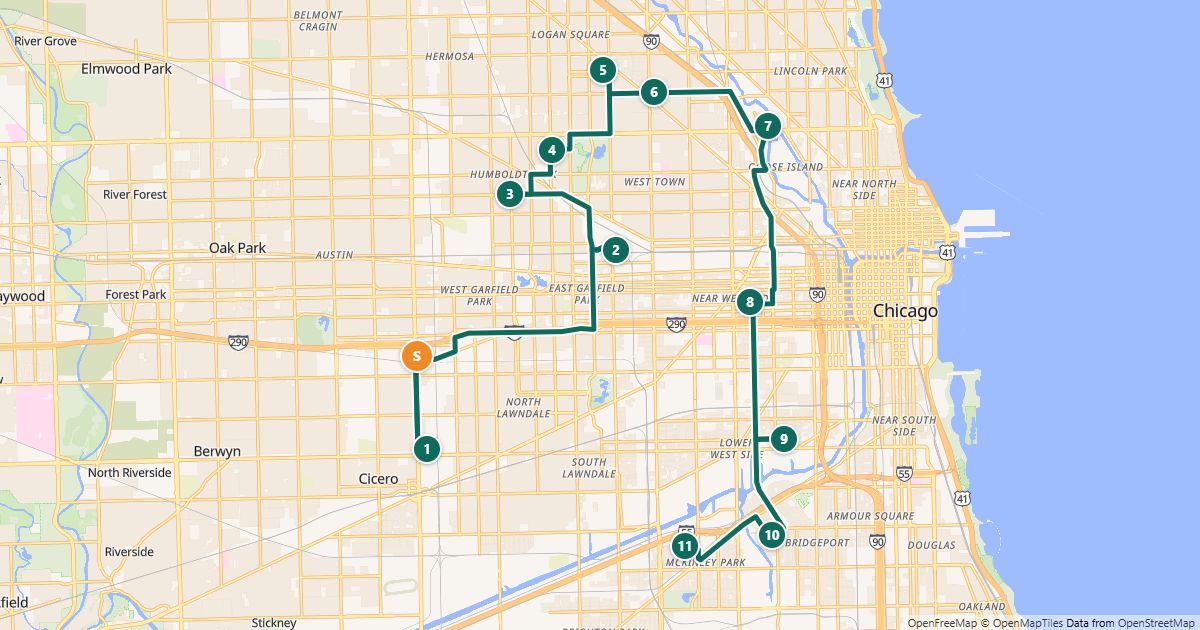
The limit: 10 places per route
According to Google’s help center, you can add up to 9 stops in Google Maps directions, including the final destination – 10 places together with your starting point.
Links that open a route directly (Google “Maps URLs”) also allow at most nine waypoints – and only three in mobile browsers. In the Google Maps app the limit of nine applies.
In Google Maps you set the order of the stops yourself by dragging them. With 10 places there are already more than 360,000 possible orders – finding the shortest by hand is rare.
The fix: optimize first, then drive in parts
- Open the RouteTidy planner and add your addresses – paste a list, import an Excel or CSV file or search one at a time.
- Choose how the route ends (back at the start, fixed last stop or open) and click “Find the best order”.
- Under “Share”, click “Open in Google Maps”. RouteTidy splits the route into parts of at most 10 points; each part starts where the previous one ends.
- Open the first part and start driving. When you reach its end, open the next part.
Tips for the road
- On a phone, open the links in the Google Maps app, not in the browser – otherwise Google shows only three intermediate stops.
- Instead of parts you can also navigate stop by stop: every stop in a RouteTidy driver link has a “Navigate” button for Google Maps, Apple Maps or Waze.
- Driving times in the planner are based on OpenStreetMap without live traffic; Google Maps takes traffic into account while you drive.
Free for routes with up to 25 stops, nothing to install.
Plan a route nowQuestions
- Can Google Maps optimize the order by itself?
- Google’s help center only describes dragging stops by hand. To get the shortest order for many stops you need a route planner that calculates it.
- Why does my phone show only some of the stops?
- When a link opens in a mobile browser instead of the app, Google supports only three intermediate stops. Open the link in the Google Maps app.
- Are my addresses sent to Google?
- The links contain only coordinates – no names or notes. When you open a link, Google processes these coordinates like any other route request.
Sources
More guides
- Import an address list from Excel or CSV
- Share a route with your drivers
- The best stop order: round trip, fixed destination or open end
- How much time does an optimized route save?
- Calculate the mileage cost of a route
- Clean up addresses for route planning
- Paste addresses from an email or document
- Drive your route with Apple Maps or Waze
- Split stops across several drivers or days
- Customer addresses and privacy
- Plan your daily route faster
- Google Maps vs. a route planner: when to use which
- Free route planner for many stops: the checklist
- Route planner without an app
- Plan a route with multiple stops
- Plan routes by bike or on foot
- Breaks in route planning