Plan your daily route faster
Last reviewed: November 1, 2026
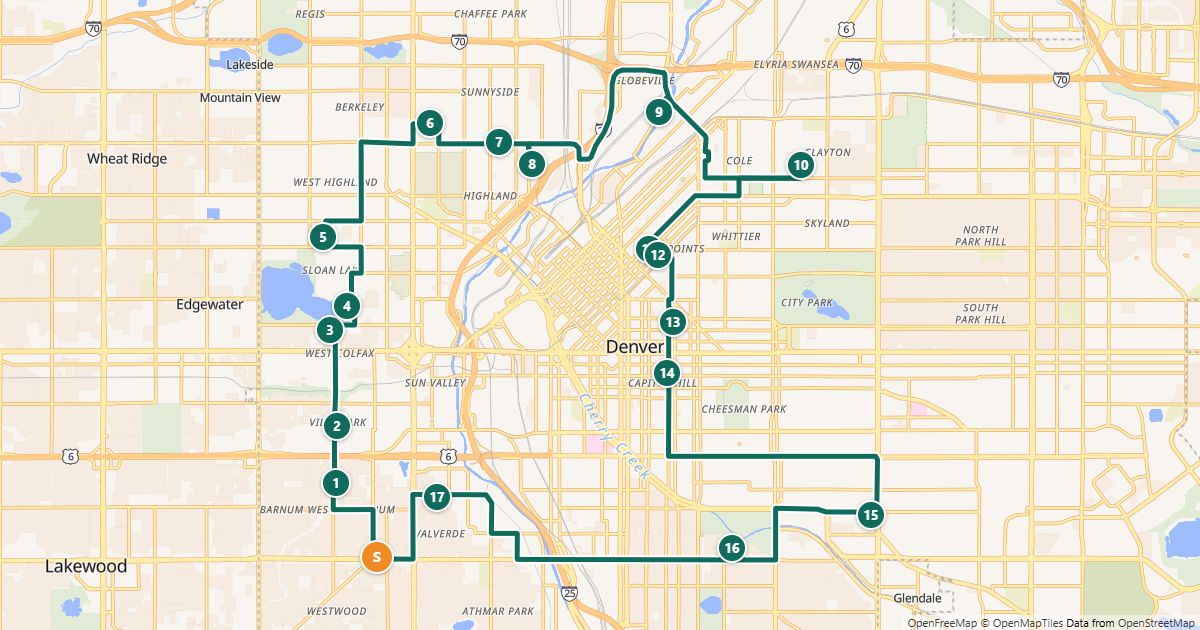
Many small businesses drive similar routes every day: a regular customer base and a few changes. With a small routine, planning takes just minutes.
Try it now: free up to 25 stops, no sign-up →
Set up once
- Sign in – no password, just a code by email.
- Add your regular customers to the address book: by spreadsheet import or one by one. Check their positions carefully once.
- Save your typical routes, for example “Monday” or “South loop”.
Every day
- Open the matching saved route.
- Remove stops that are off today and add new ones from the address book – the address book search finds customers by name or address.
- Click “Find the best order” and save.
- Send the driver link or open the route in Google Maps.
Small habits, big difference
- Keep driver notes (back entrance, broken doorbell) on the stop in the address book – then they show up every time.
- Print the stop list as a backup if reception is poor on the road.
- An active driver link shows changes only after you save the route – so save after every change.
Free for routes with up to 25 stops, nothing to install.
Plan a route nowQuestions
- Can I export the address book?
- Yes, as a CSV file – for a backup or for other programs.
- What does it cost?
- Routes with up to 25 stops, the address book, saved routes and driver links are free. For bigger routes there is the day pass and Pro.
More guides
- How to use Google Maps with more than 10 stops
- Import an address list from Excel or CSV
- Share a route with your drivers
- The best stop order: round trip, fixed destination or open end
- How much time does an optimized route save?
- Calculate the mileage cost of a route
- Clean up addresses for route planning
- Paste addresses from an email or document
- Drive your route with Apple Maps or Waze
- Split stops across several drivers or days
- Customer addresses and privacy
- Google Maps vs. a route planner: when to use which
- Free route planner for many stops: the checklist
- Route planner without an app
- Plan a route with multiple stops
- Plan routes by bike or on foot
- Breaks in route planning