Plan routes by bike or on foot
Last reviewed: November 11, 2026
Downtown, a bike often beats a car – and flyers are delivered on foot anyway. For the stop order to fit, the planner has to use the paths you actually take: bike lanes, footpaths, shortcuts through parks and pedestrian zones.
Try it now: free up to 25 stops, no sign-up →
Why bike and walking need their own profile
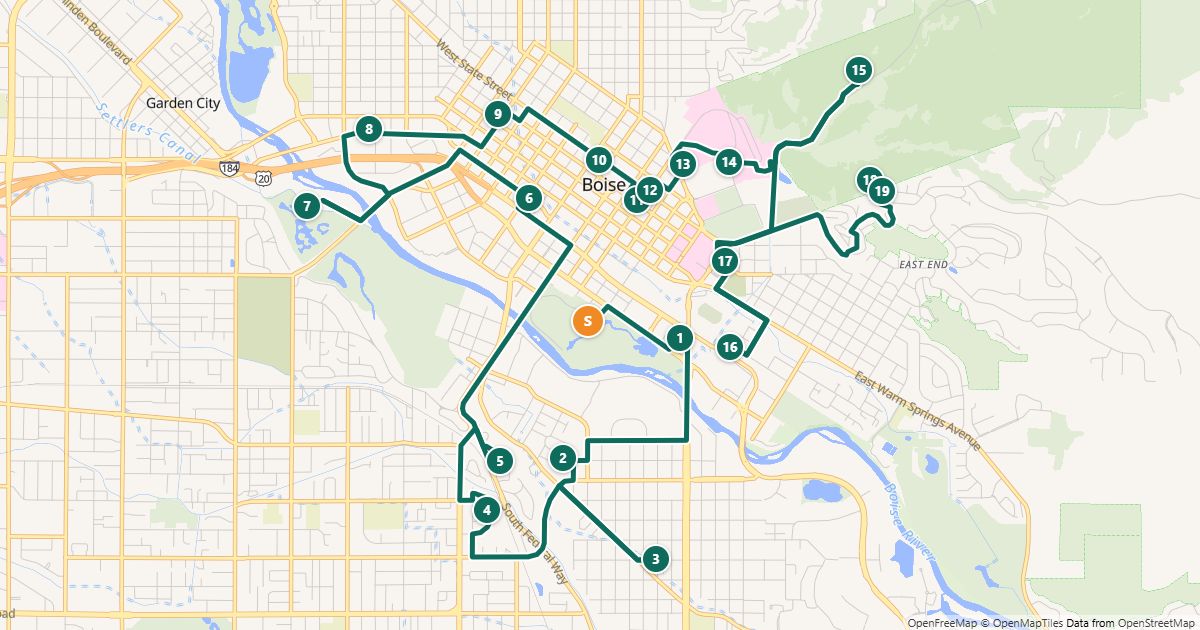
A car route planner avoids pedestrian zones and follows one-way streets. By bike or on foot other paths apply – and often a different best order. RouteTidy uses separate bike and walking profiles based on OpenStreetMap, with bike lanes, footpaths and a typical pace.
Measured: the same route by car, bike and on foot
The planner’s sample route: 10 public places in Denver as a round trip, measured on November 11, 2026 with openrouteservice. Times are pure travel time without time at stops, for the unsorted list and the optimized order.
- Car: 1 hr 45 min and 36.5 mi unsorted – optimized 59 min and 19.5 mi (44% less time).
- Bike: 3 hr 24 min and 35.5 mi unsorted – optimized 1 hr 50 min and 17.9 mi (46% less time).
- On foot: 10 hr 8 min and 31.5 mi unsorted – optimized 5 hr 7 min and 15.9 mi (50% less time).
What the numbers show
- By bike the optimized route is 1.6 mi shorter than by car, because bike paths and shortcuts save detours.
- The slower you travel, the more the right order pays off: on foot it saves about 5 hours here.
- The best order depends on how you travel: on foot the optimized route visited the stops in a completely different order than by car.
How to set it up in the planner
- Paste addresses or import a spreadsheet.
- Under “Settings”, choose Bike or On foot at “Travel by”.
- Click “Find the best order”. The Google Maps link then opens the route by bike or on foot as well; the driver link uses the same setting.
Limits
- Times use a typical pace, without traffic lights, hills or weather. Allow some buffer for cargo bikes.
- Waze has no bike or walking routes, so the driver view shows the Waze link only for cars.
Free for routes with up to 25 stops, nothing to install.
Plan a route nowQuestions
- Does bike planning cost extra?
- No. Car, bike and walking are included in every plan, including the free one.
- Can I switch a saved route to bike?
- Yes. Change the setting and recalculate; the travel mode is saved with the route.
Sources
More guides
- How to use Google Maps with more than 10 stops
- Import an address list from Excel or CSV
- Share a route with your drivers
- The best stop order: round trip, fixed destination or open end
- How much time does an optimized route save?
- Calculate the mileage cost of a route
- Clean up addresses for route planning
- Paste addresses from an email or document
- Drive your route with Apple Maps or Waze
- Split stops across several drivers or days
- Customer addresses and privacy
- Plan your daily route faster
- Google Maps vs. a route planner: when to use which
- Free route planner for many stops: the checklist
- Route planner without an app
- Plan a route with multiple stops
- Breaks in route planning