Plan a route with multiple stops
Last reviewed: November 11, 2026
Three customers, twelve deliveries or fifty home visits: once a trip has several destinations, the order decides miles and time. Here is how to plan a multi-stop route without puzzling over the order yourself.
Try it now: free up to 25 stops, no sign-up →
Why the order matters so much
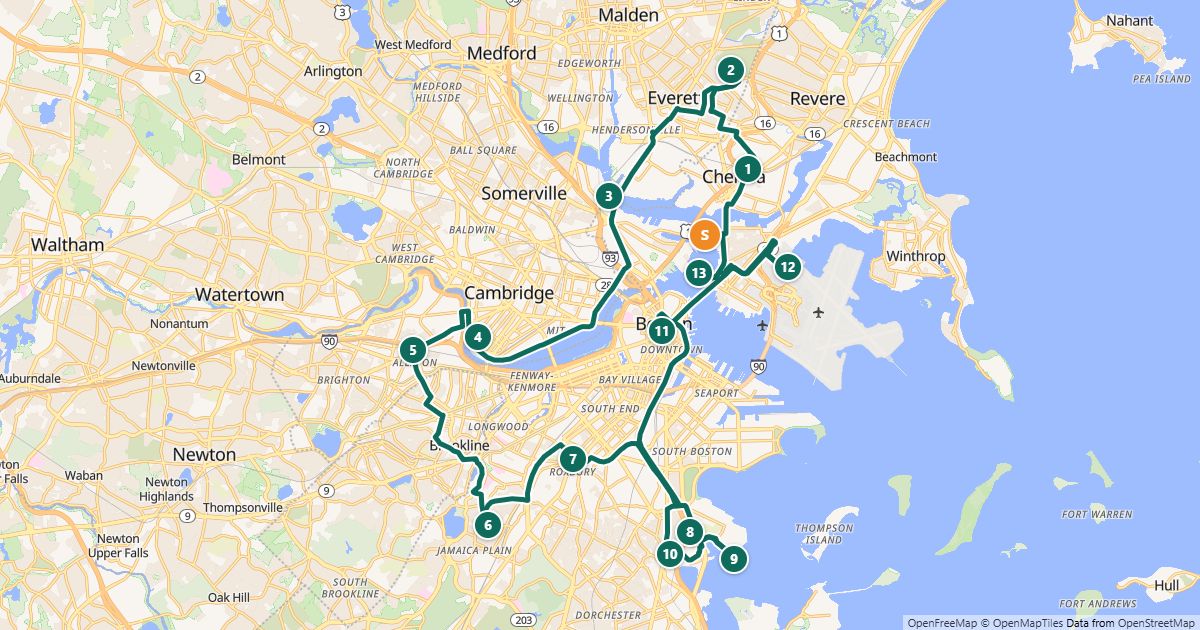
With just ten destinations there are more than three million possible orders. By hand or by feel you rarely find the shortest one. A multi-stop route planner calculates driving times between all addresses on real roads and looks for the best combination.
In the measured example routes on our industry pages, the optimized order saves between 15 and 64 percent of the distance compared with the unsorted list, depending on the route (38 measured routes, as of November 11, 2026).
Three steps to your route
- Add addresses: search for one address, paste a whole list from an email or document (one address per line), or drop an Excel/CSV file onto the planner. The first address is the start.
- Check the settings: round trip back to the start, fixed last stop or open end; car, bike or on foot; if needed, departure time, time at each stop, time windows and a break.
- Click “Find the best order”. RouteTidy sorts all destinations, shows the savings and arrival times – then drive with Google Maps or send it to a driver as a link.
Choosing start and end
- Round trip: the route ends back at the start, for example the warehouse or office.
- Last stop: the route ends at the last address on the list, for example at home.
- Open end: RouteTidy picks the best last destination – handy when it does not matter where the route ends.
When times matter
- Time windows per stop (“8–10 am only”): being on time comes before the shortest drive.
- Time at each stop: with the time on site, arrival times at all later stops are right.
- A break at a time of day or after a set time on the road: shifts all later arrival times.
- Arrival links: each customer sees an estimated window for their stop – without the other addresses.
Navigating multiple stops
Google Maps takes at most ten places per route. RouteTidy therefore splits longer routes into sections that pick up exactly where the last one ended. Alternatively, the driver link opens each stop on its own in Google Maps, Apple Maps or Waze.
Free for routes with up to 25 stops, nothing to install.
Plan a route nowQuestions
- How many stops can a route have?
- Up to 25 stops per route for free, up to 200 with a Day Pass or Pro. For up to 12 movable stops RouteTidy finds the provably best order, above that a very good approximation.
- Can I keep one stop in place, for example right after the start?
- RouteTidy calculates the order of the other stops. Afterwards you can move any stop by hand; the start and – with “Last stop” – the end stay fixed.
- Do I need to sign up?
- No. Planning, optimizing and opening in Google Maps work without an account. Saved routes, the address book and driver links need a free account.
Sources
More guides
- How to use Google Maps with more than 10 stops
- Import an address list from Excel or CSV
- Share a route with your drivers
- The best stop order: round trip, fixed destination or open end
- How much time does an optimized route save?
- Calculate the mileage cost of a route
- Clean up addresses for route planning
- Paste addresses from an email or document
- Drive your route with Apple Maps or Waze
- Split stops across several drivers or days
- Customer addresses and privacy
- Plan your daily route faster
- Google Maps vs. a route planner: when to use which
- Free route planner for many stops: the checklist
- Route planner without an app
- Plan routes by bike or on foot
- Breaks in route planning