Route planning guides
Short, practical how-tos for anyone who drives to lots of addresses.
Getting started
What a multi-stop route planner does, what it costs and how much it saves.
-
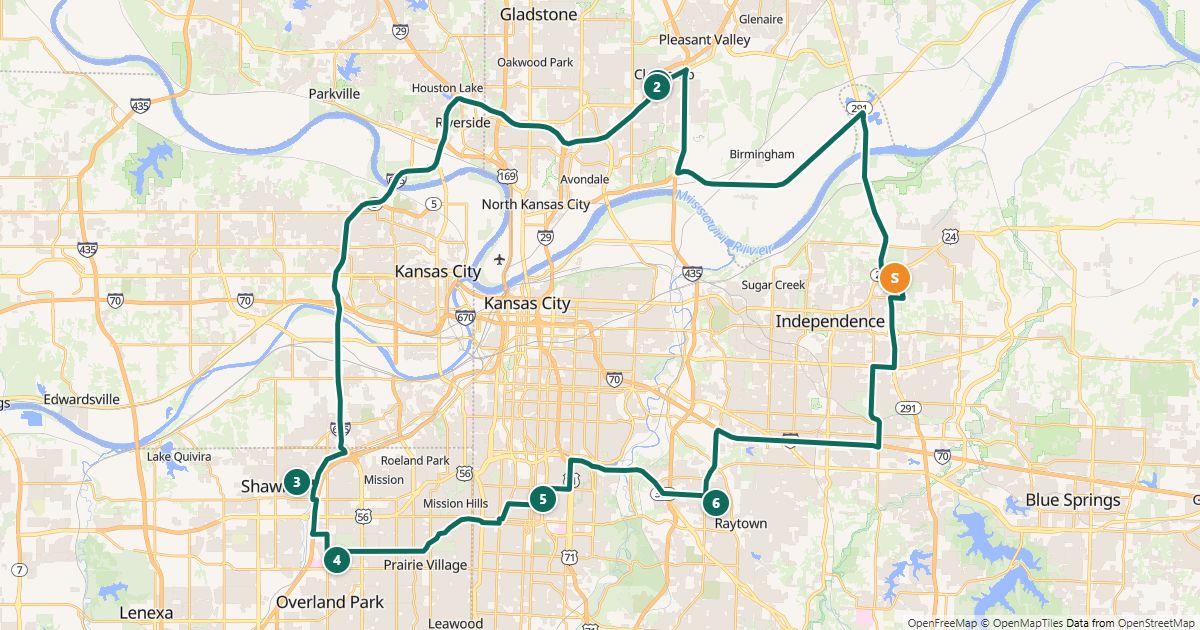 Free route planner for many stops: the checklist
Seven points that tell a good free route planner apart.
-
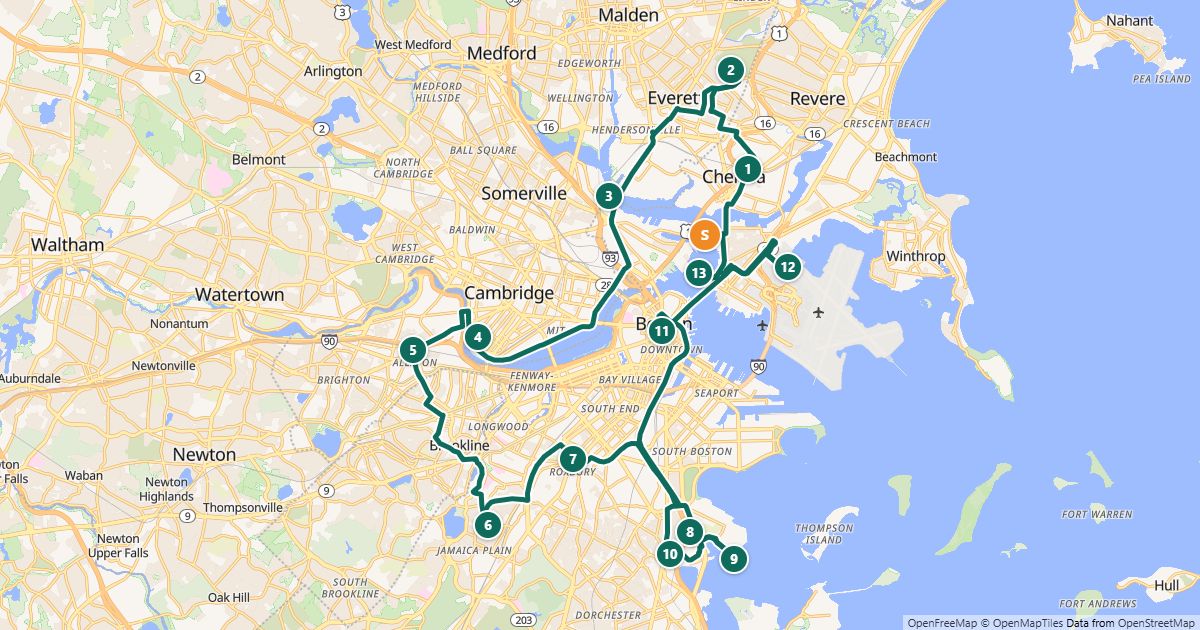 Plan a route with multiple stops
From an address list to a finished route – in three steps.
-
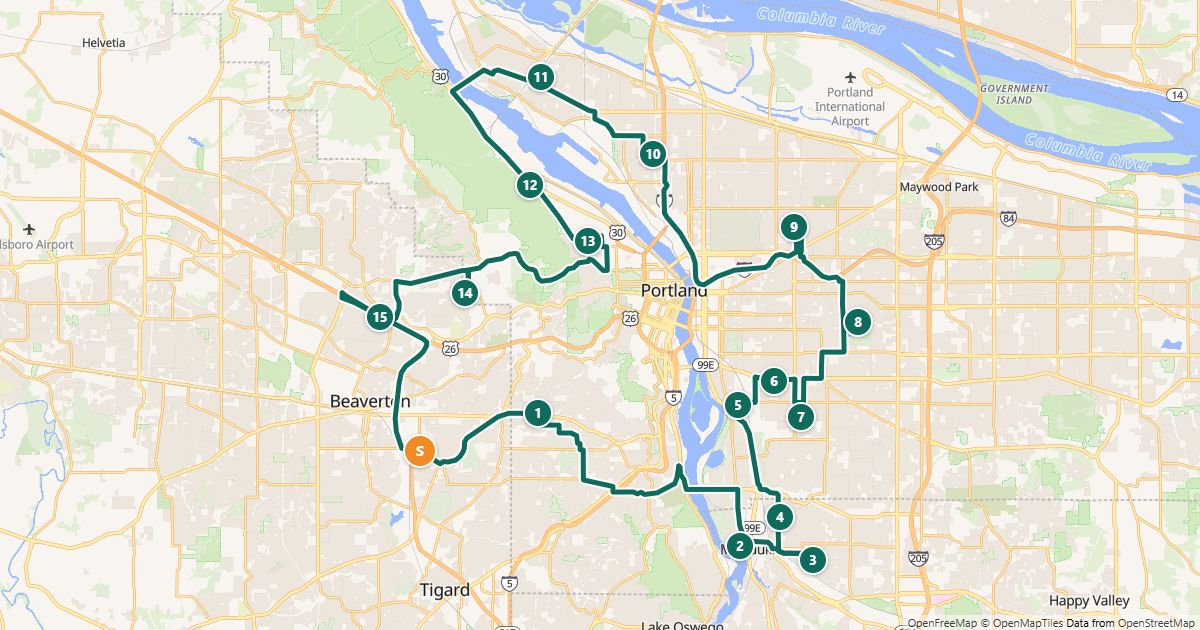 Google Maps vs. a route planner: when to use which
Google Maps navigates. For the order of many stops you need a planner – here is how they work together.
-
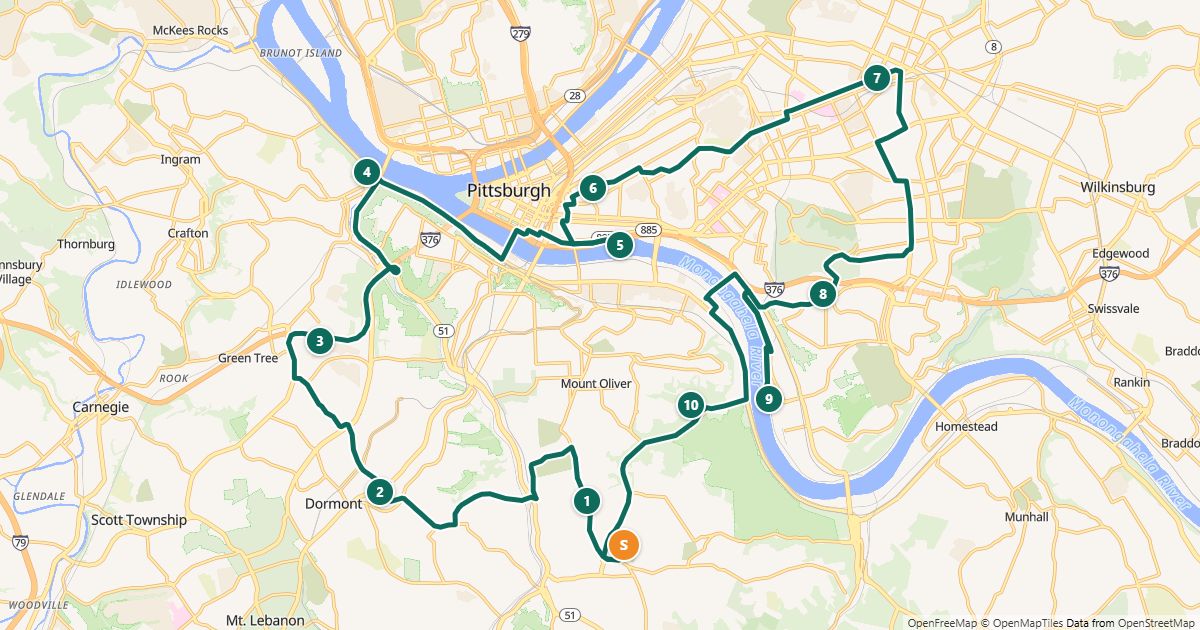 Route planner without an app
Plan in the browser, drive with the navigation app already on the phone.
-
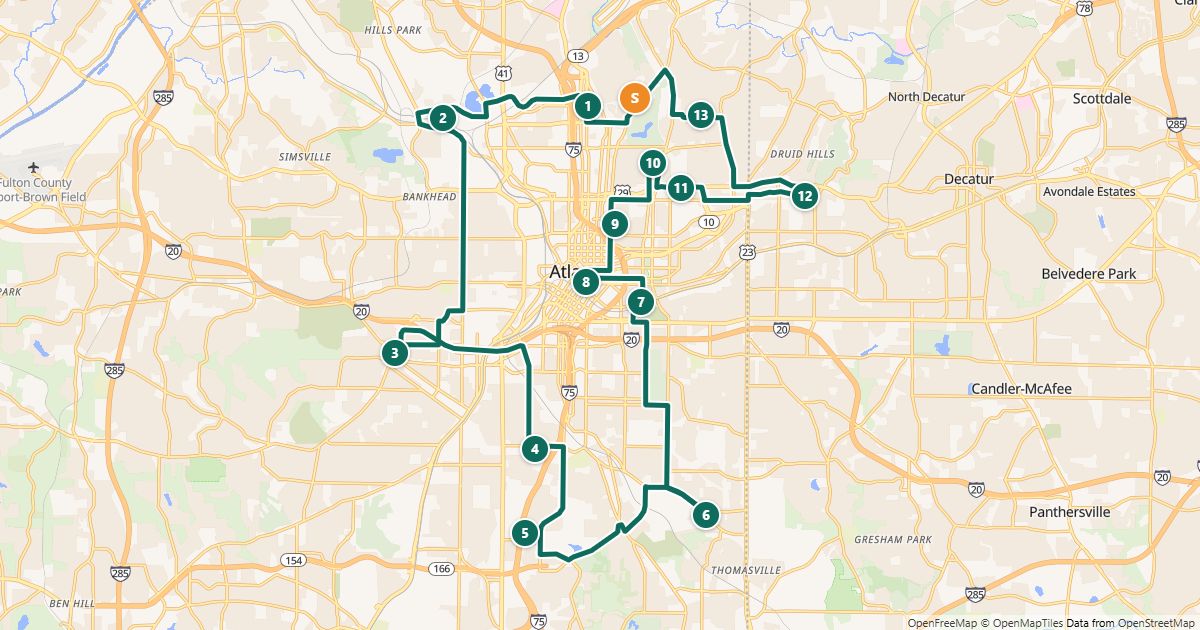
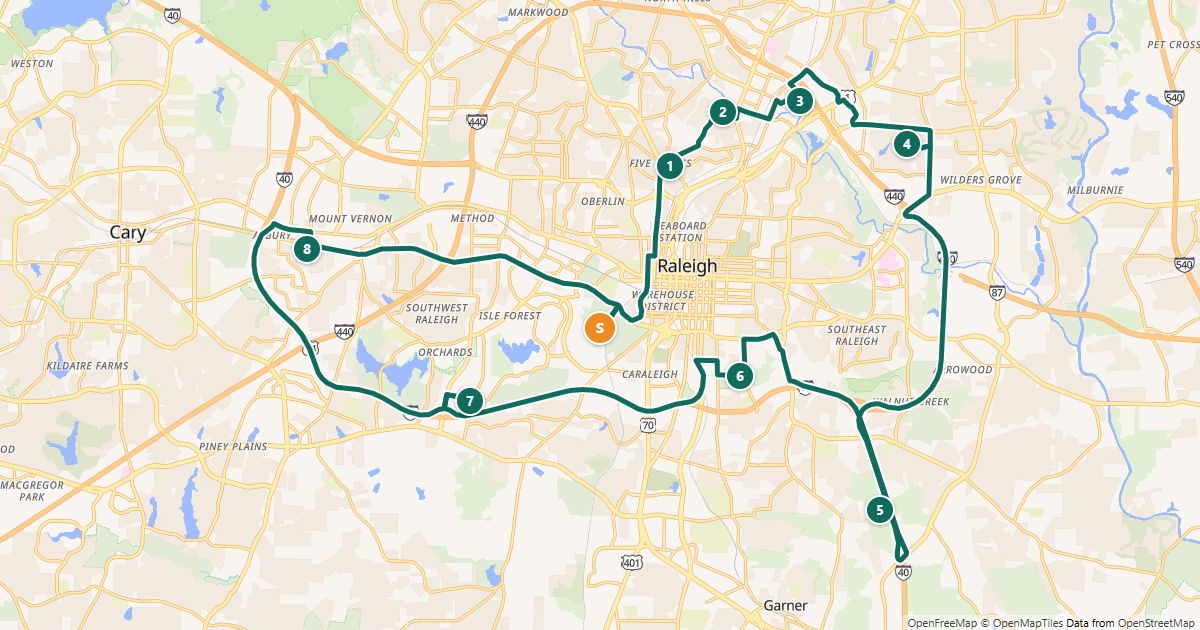
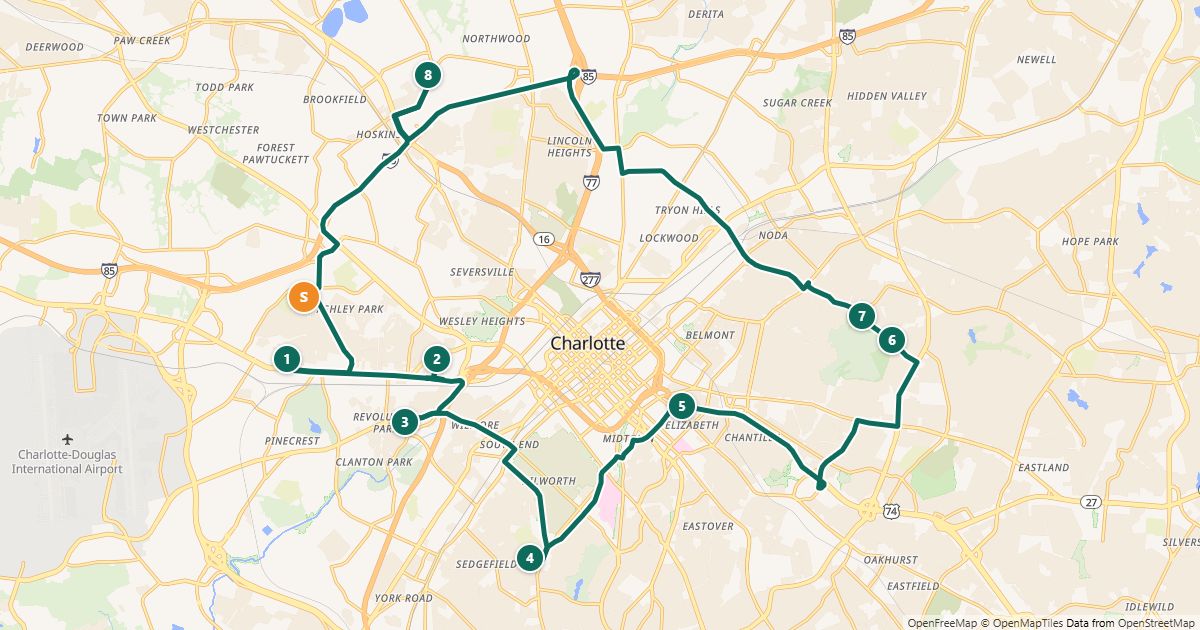
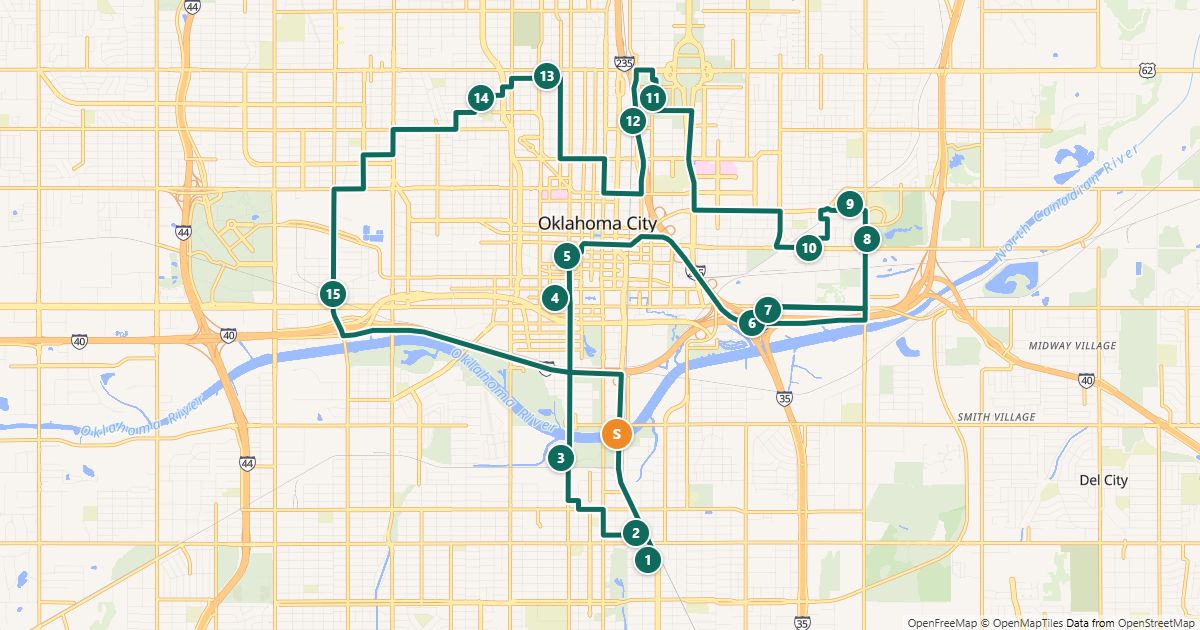 How much time does an optimized route save?
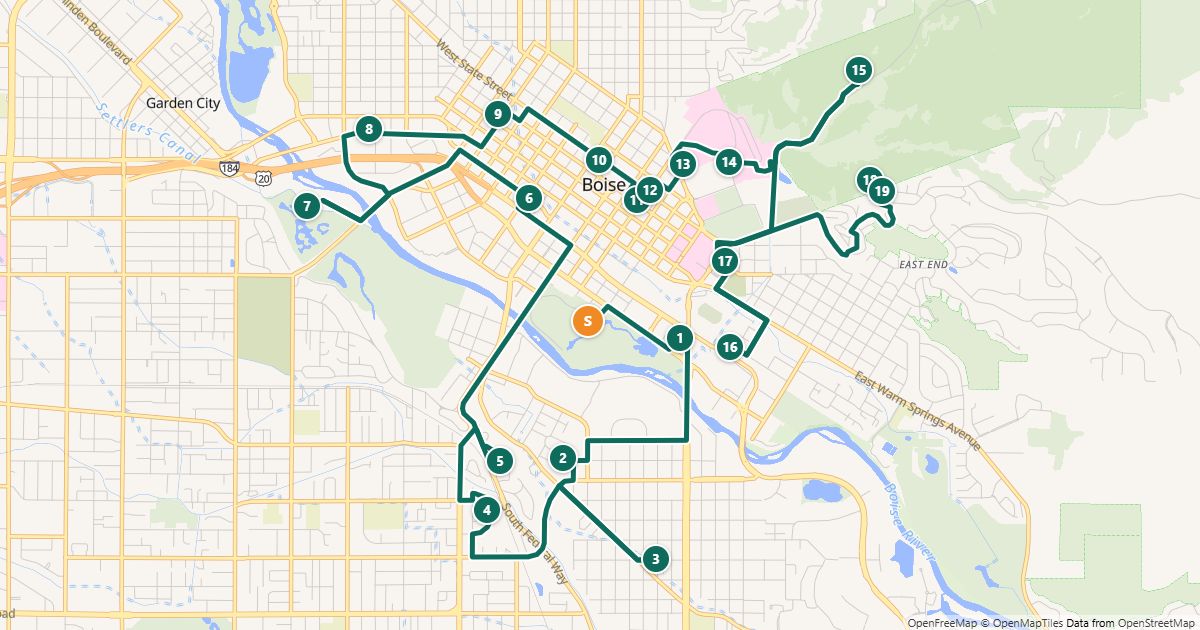
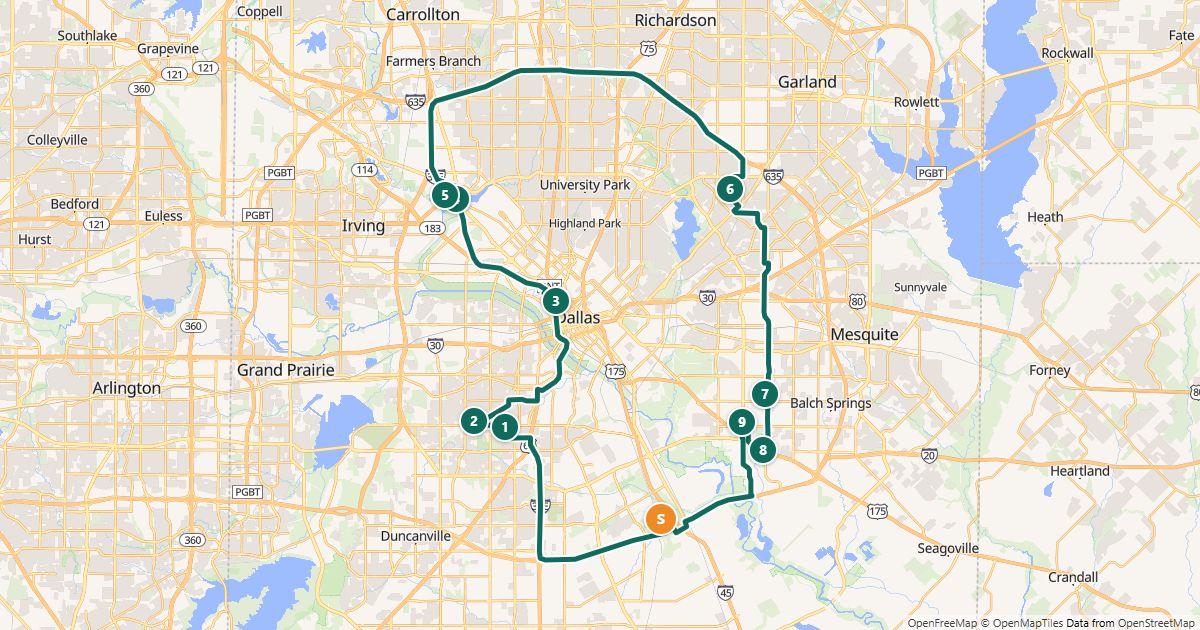
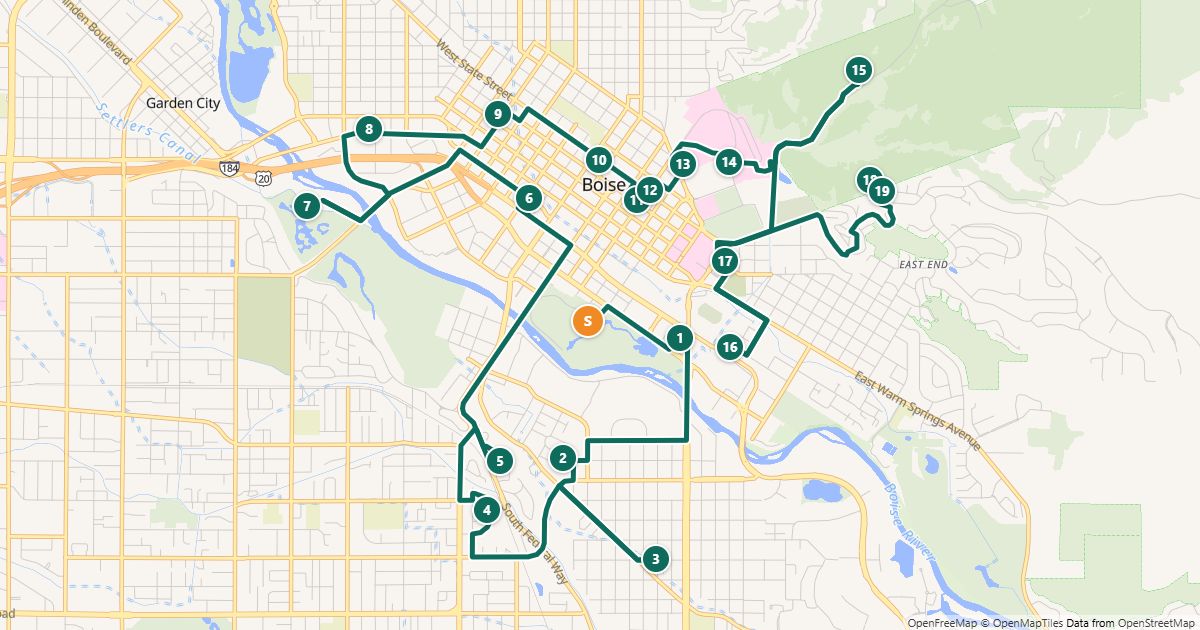
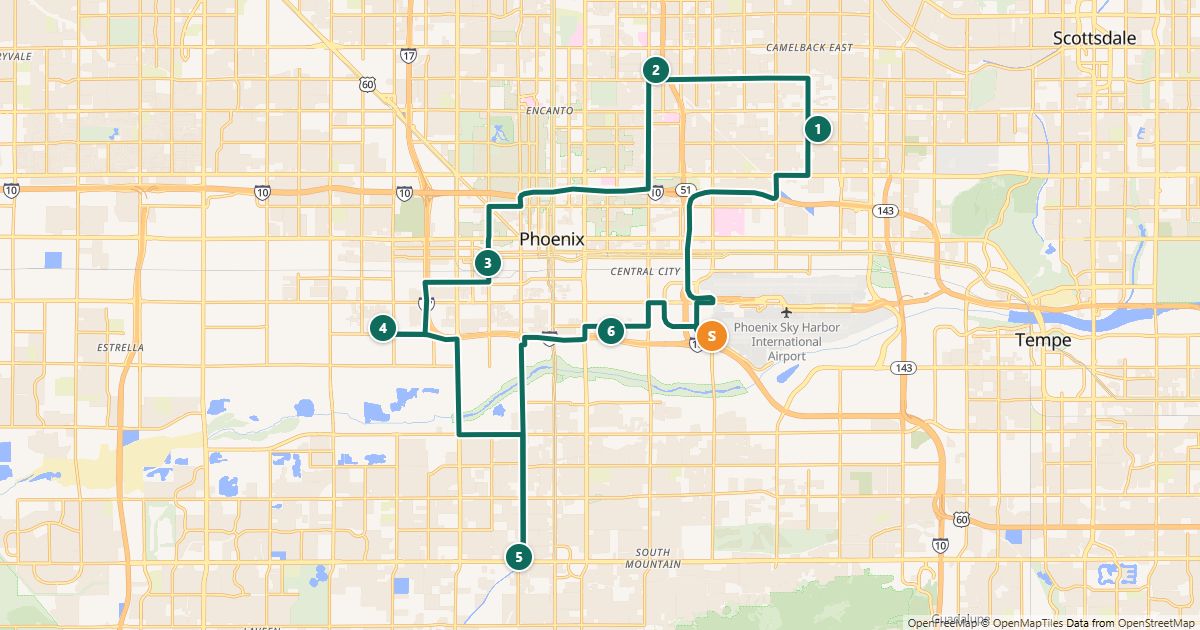
Real measurements from 19 sample routes – and how to calculate the savings for your own route.
Adding addresses
Bring in lists from Excel, email or documents and enter addresses so the search finds them reliably.
-
 Import an address list from Excel or CSV
Turn a customer list from Excel or CSV into a route in a few clicks.
-
 Paste addresses from an email or document
Copy the address list, paste it, done – no spreadsheet needed.
-
 Clean up addresses for route planning
Get every stop found on the first try: spelling, ZIP codes, new developments.
Stop order and schedule
Start and end, breaks, bike or walking routes, and splitting stops across drivers or days.
-
 The best stop order: round trip, fixed destination or open end
Which route end fits and how the optimization works.
-
 Breaks in route planning
What US rules say and how to put a break into the schedule.
-
 Plan routes by bike or on foot
Measured comparison of car, bike and walking on the same route.
-
 Split stops across several drivers or days
Split by area, optimize each route on its own, give every driver their own link.
-
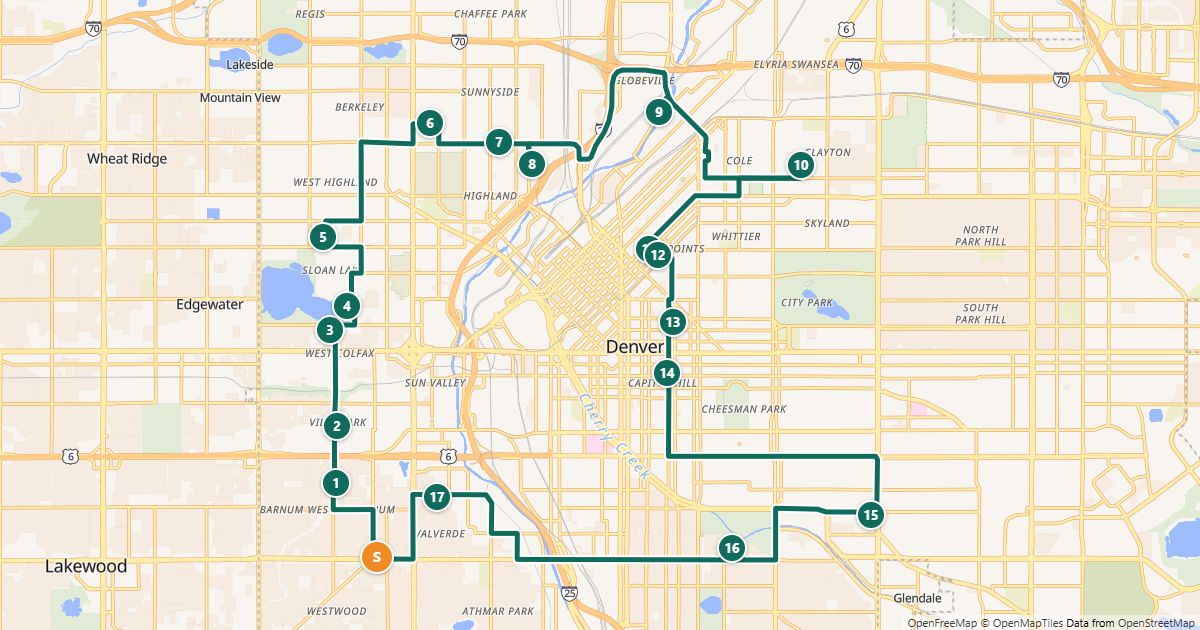 Plan your daily route faster
Recurring routes in minutes: regular customers in the address book, routes saved and reused.
On the road and sharing
Drive with Google Maps, Apple Maps or Waze and send the route to drivers.
-
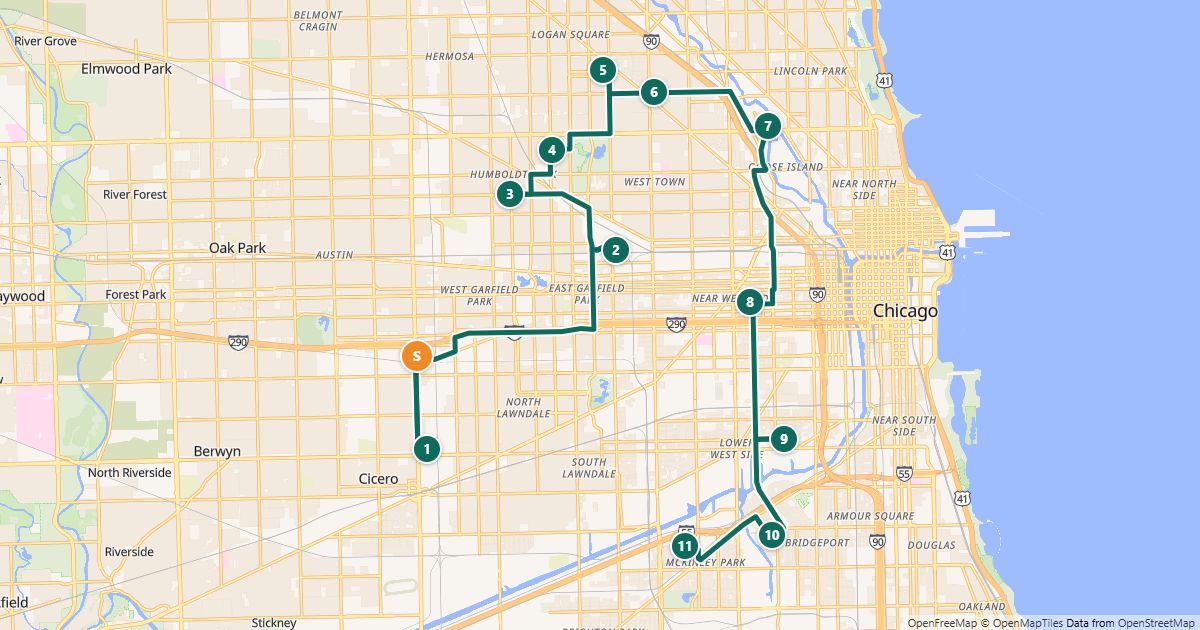 How to use Google Maps with more than 10 stops
Why Google Maps stops at 10 places and how to drive longer routes with it anyway.
-
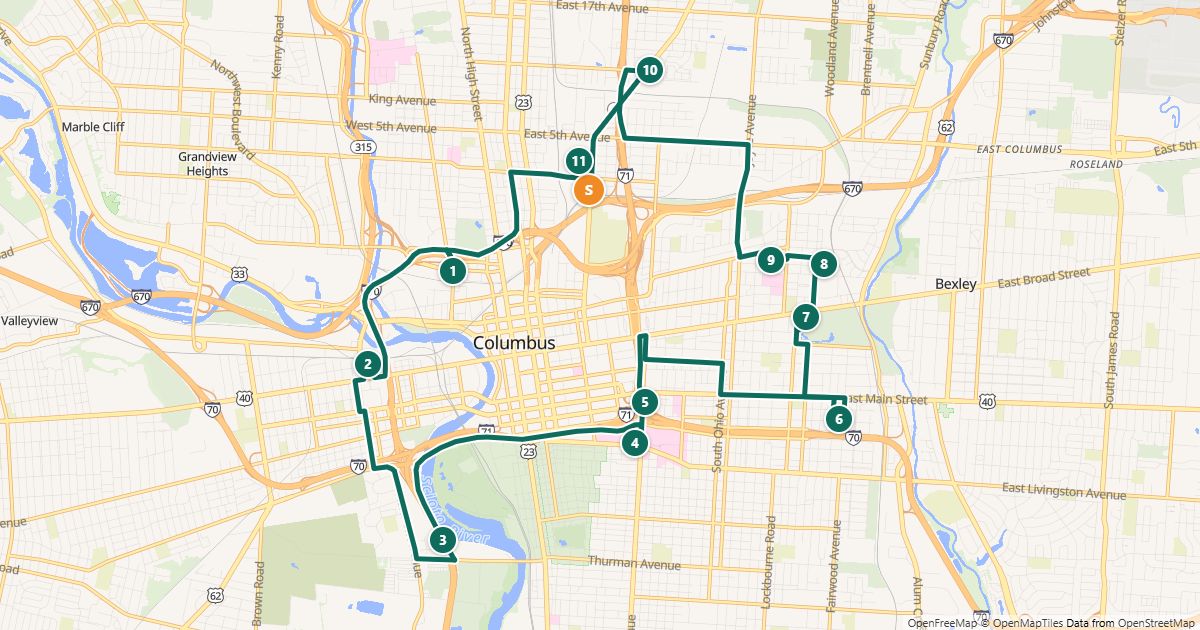 Share a route with your drivers
Driver link, Google Maps, CSV or print – which one fits when.
-
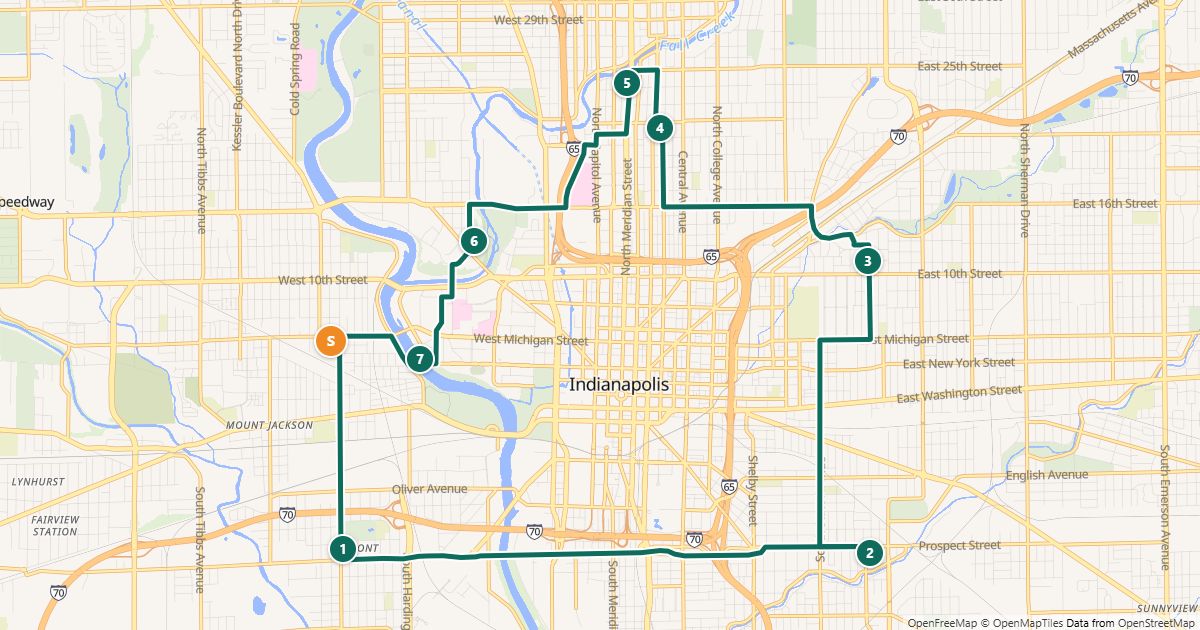 Drive your route with Apple Maps or Waze
Plan an optimized route and drive it with your favorite navigation app – stop by stop.
Costs and privacy
Calculate mileage costs and handle customer addresses responsibly.
-
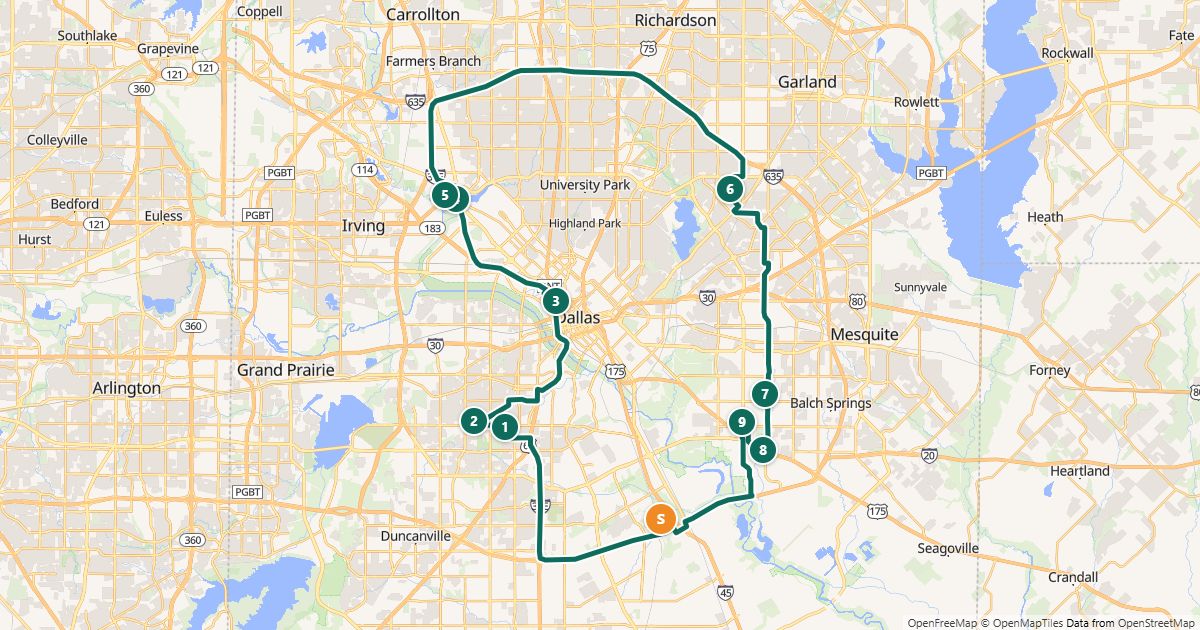 Calculate the mileage cost of a route
What does a route really cost? Formula, worked example and the IRS standard mileage rate.
-
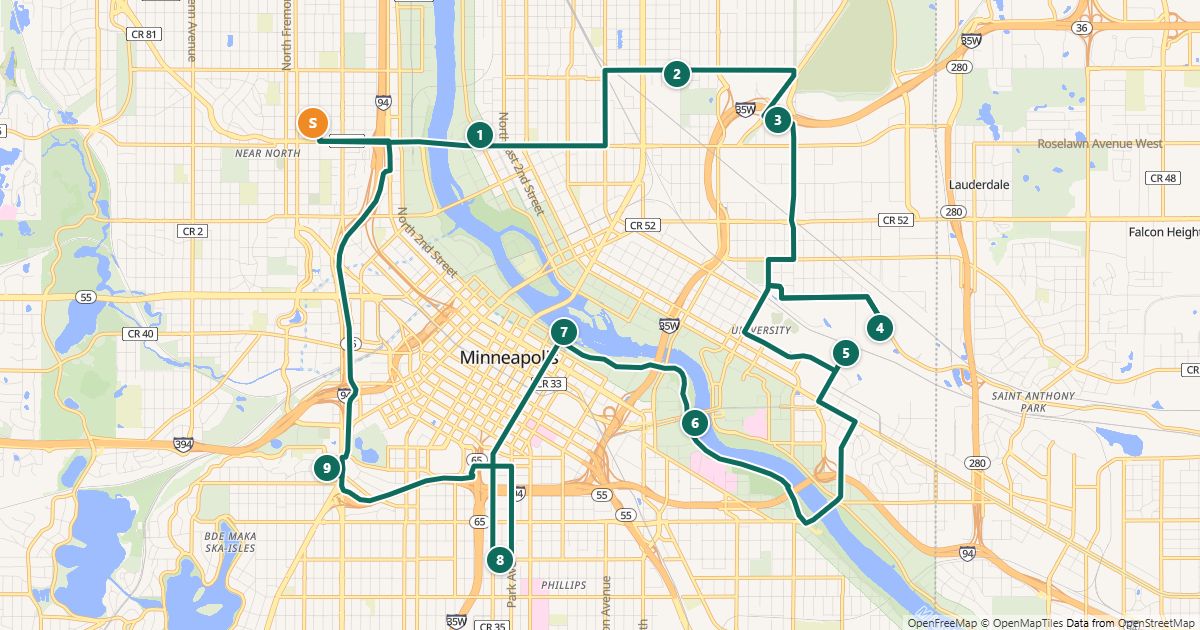 Customer addresses and privacy
Handling customer addresses responsibly when you plan routes online – short and simple.