Google Maps vs. a route planner: when to use which
Last reviewed: November 3, 2026
Google Maps is the navigation app on almost every phone. For a route with many addresses, though, the question is not just “how do I get there?” but “in which order do I drive?”. Here is an honest comparison.
Try it now: free up to 25 stops, no sign-up →
What Google Maps does well
- Navigation with live traffic, lane guidance and detours
- Finding places, opening hours and reviews
- Planning short trips with a few stops
Where it falls short for routes
- According to Google’s help, you can add up to nine stops including the destination – 10 places per route counting the start.
- You set the order yourself by dragging destinations. With 10 places there are already more than 360,000 possible orders.
- You enter destinations one by one; an address list from an email or Excel does not become a route.
What a route planner adds
- Paste a list or import a spreadsheet instead of typing every address
- Have the order calculated – RouteTidy is exact up to 12 movable stops and a very good approximation beyond that
- A schedule with time at stops and time windows, splitting into several routes
- Sharing with drivers by link, with navigation to every stop
Best of both
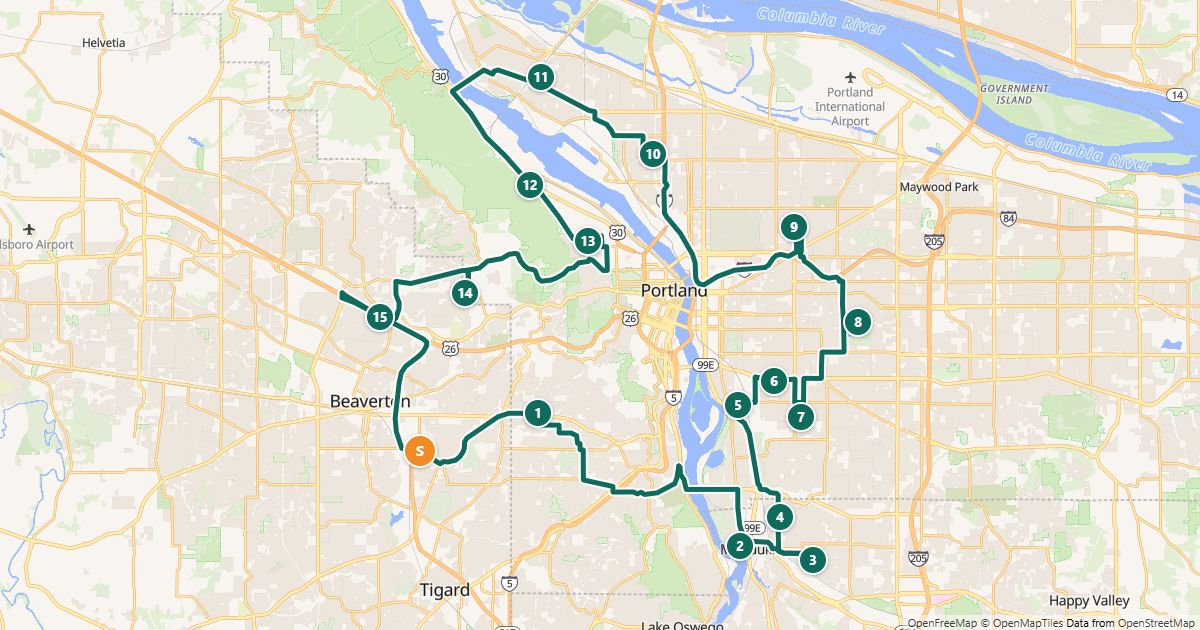
Plan the order in the route planner and drive with Google Maps: RouteTidy splits the optimized route into sections of at most 10 points that open directly in Google Maps – or the driver taps “Navigate” at each stop in the driver link. You get a good order and Google’s live traffic while driving.
Free for routes with up to 25 stops, nothing to install.
Plan a route nowQuestions
- Can Google Maps optimize the order of stops?
- Google Maps help explains how to add destinations and reorder them by hand; it does not describe calculating the best order.
- Do I need Google Maps to use RouteTidy?
- No. The driver link also offers Apple Maps and Waze, and the printed list works without any app.
- What does it cost?
- RouteTidy is free for routes up to 25 stops, even without an account.
Sources
More guides
- How to use Google Maps with more than 10 stops
- Import an address list from Excel or CSV
- Share a route with your drivers
- The best stop order: round trip, fixed destination or open end
- How much time does an optimized route save?
- Calculate the mileage cost of a route
- Clean up addresses for route planning
- Paste addresses from an email or document
- Drive your route with Apple Maps or Waze
- Split stops across several drivers or days
- Customer addresses and privacy
- Plan your daily route faster
- Free route planner for many stops: the checklist
- Route planner without an app
- Plan a route with multiple stops
- Plan routes by bike or on foot
- Breaks in route planning