How much time does an optimized route save?
Last reviewed: November 3, 2026
Whether optimizing pays off depends on what your list looked like before. We measured 19 routes on real roads with real drive times – once in list order and once optimized.
Try it now: free up to 25 stops, no sign-up →
The measurement
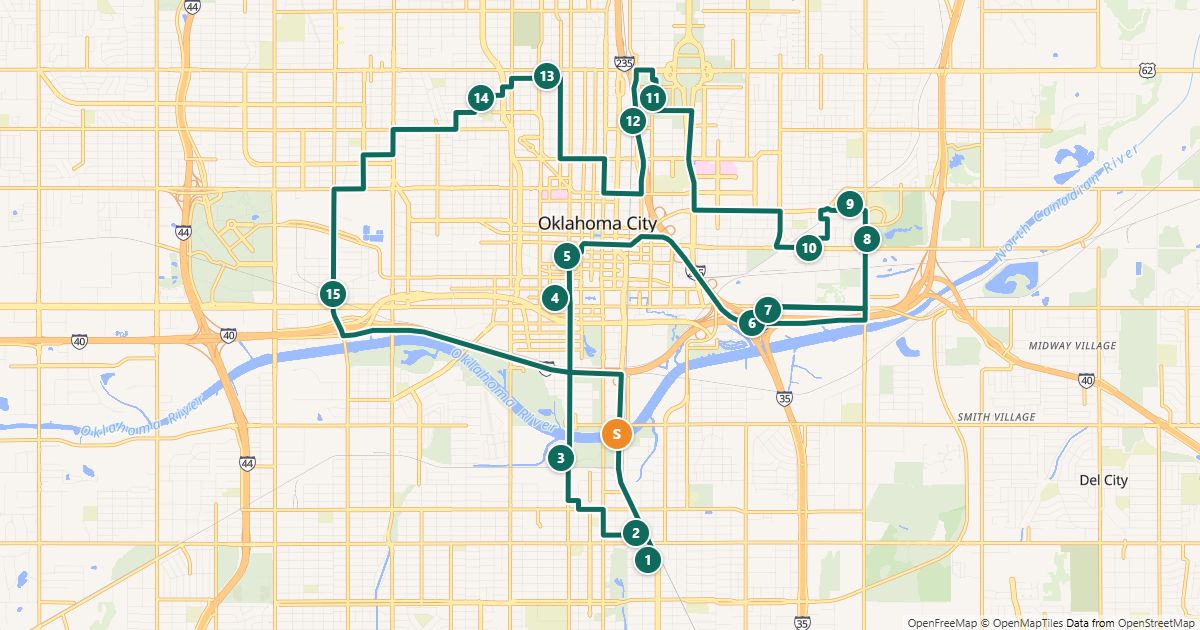
For each use case we measured one route with fictitious stops in a US city or metro area, with 6 to 20 stops. Each started from an unsorted list – the way orders or customer requests often come in.
Result (measured between October 30, 2026 and November 11, 2026, road distances and drive times from openrouteservice): the median route got 44% shorter and 38% faster. The smallest saving was 23% of the distance, the largest 64%.
Three examples
- Delivery route in Denver, 18 stops: 27.0 mi instead of 75.9 mi, about 1 hr 27 min instead of 3 hr 44 min of driving.
- Home care visits in Minneapolis, 10 stops: 19.8 mi instead of 30.9 mi, 1 hr 2 min instead of 1 hr 33 min.
- Field sales around Dallas, 10 stops: 73.3 mi instead of 125.5 mi – customers spread far apart still mean long drives in between.
How to calculate your own savings
If you have driven your routes for years and already sort them well by hand, you will save less than in our examples. With changing addresses, the difference is often large.
- Add the stops of your next route to the planner in the order you would normally drive them.
- Click “Find the best order”. The planner shows distance and drive time before and after.
- Scale the difference up to a month: savings per route × routes per week × about 4.3 weeks.
Free for routes with up to 25 stops, nothing to install.
Plan a route nowSavings calculator · How RouteTidy calculates
Questions
- Do the drive times include traffic?
- No. They are based on OpenStreetMap road data without live traffic. Both orders – before and after – are measured on the same basis.
- Where can I see the sample routes?
- On the use case pages, each with a map, before and after numbers and the measurement date.
More guides
- How to use Google Maps with more than 10 stops
- Import an address list from Excel or CSV
- Share a route with your drivers
- The best stop order: round trip, fixed destination or open end
- Calculate the mileage cost of a route
- Clean up addresses for route planning
- Paste addresses from an email or document
- Drive your route with Apple Maps or Waze
- Split stops across several drivers or days
- Customer addresses and privacy
- Plan your daily route faster
- Google Maps vs. a route planner: when to use which
- Free route planner for many stops: the checklist
- Route planner without an app
- Plan a route with multiple stops
- Plan routes by bike or on foot
- Breaks in route planning