Route planner without an app
Last reviewed: November 11, 2026
Not everyone wants to install a new app for a route – and on company phones it is often not allowed. With a browser-based route planner you do not need one.
Try it now: free up to 25 stops, no sign-up →
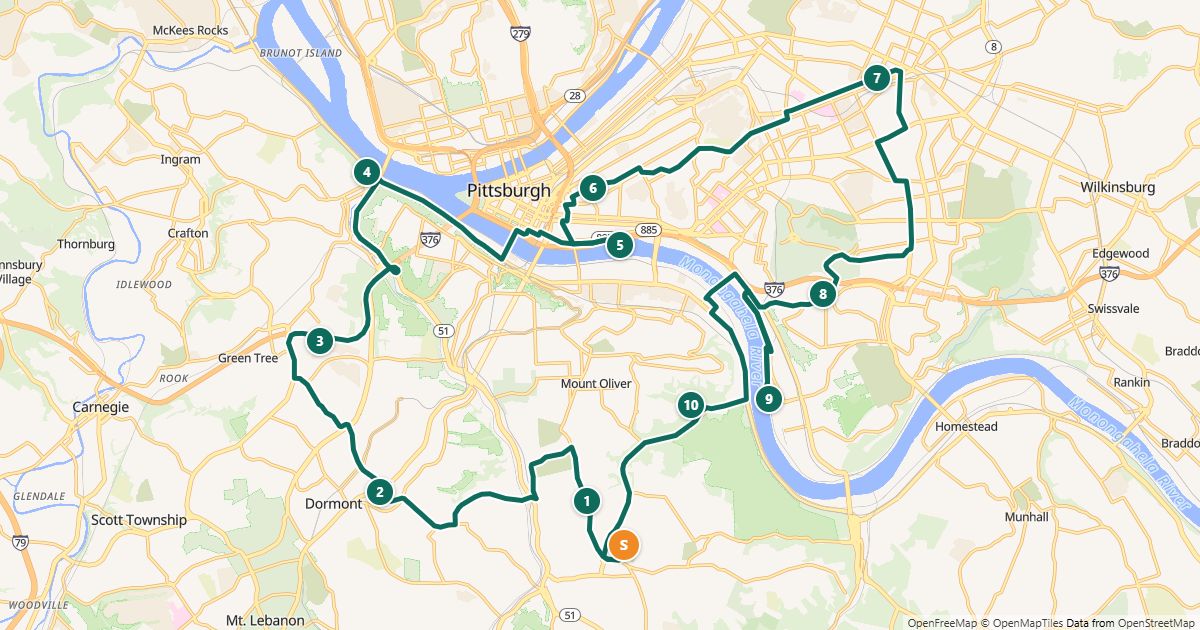
Why no app?
- Nothing to install: runs in the browser on PC, tablet and phone
- No IT approval needed for company phones
- No background tracking: the planner does not know where the driver is
- Volunteers and temps simply get a link
How a route works without an app
- Plan in the browser: paste addresses, optimize the order, save the route.
- Create a driver link and send it by text message or email. It opens in the phone’s browser without an account.
- Tap “Navigate” at each stop – Google Maps, Apple Maps or Waze takes over, whichever is on the phone.
- Tick off completed stops; whoever planned the route sees progress in the planner.
Limits
- The planner needs an internet connection. The printed list is the fallback.
- Turn-by-turn navigation uses an installed navigation app; without one, you still have the list and the map in the browser.
Free for routes with up to 25 stops, nothing to install.
Plan a route nowQuestions
- Does the driver link work on iPhone and Android?
- Yes, it opens in any current browser. Navigation starts the installed app (Google Maps, Apple Maps or Waze).
- Is the driver tracked?
- No. We only store which stops are ticked off and which fixed report the driver chose – without a time and without a location.
More guides
- How to use Google Maps with more than 10 stops
- Import an address list from Excel or CSV
- Share a route with your drivers
- The best stop order: round trip, fixed destination or open end
- How much time does an optimized route save?
- Calculate the mileage cost of a route
- Clean up addresses for route planning
- Paste addresses from an email or document
- Drive your route with Apple Maps or Waze
- Split stops across several drivers or days
- Customer addresses and privacy
- Plan your daily route faster
- Google Maps vs. a route planner: when to use which
- Free route planner for many stops: the checklist
- Plan a route with multiple stops
- Plan routes by bike or on foot
- Breaks in route planning